A workspace that behaves like paper
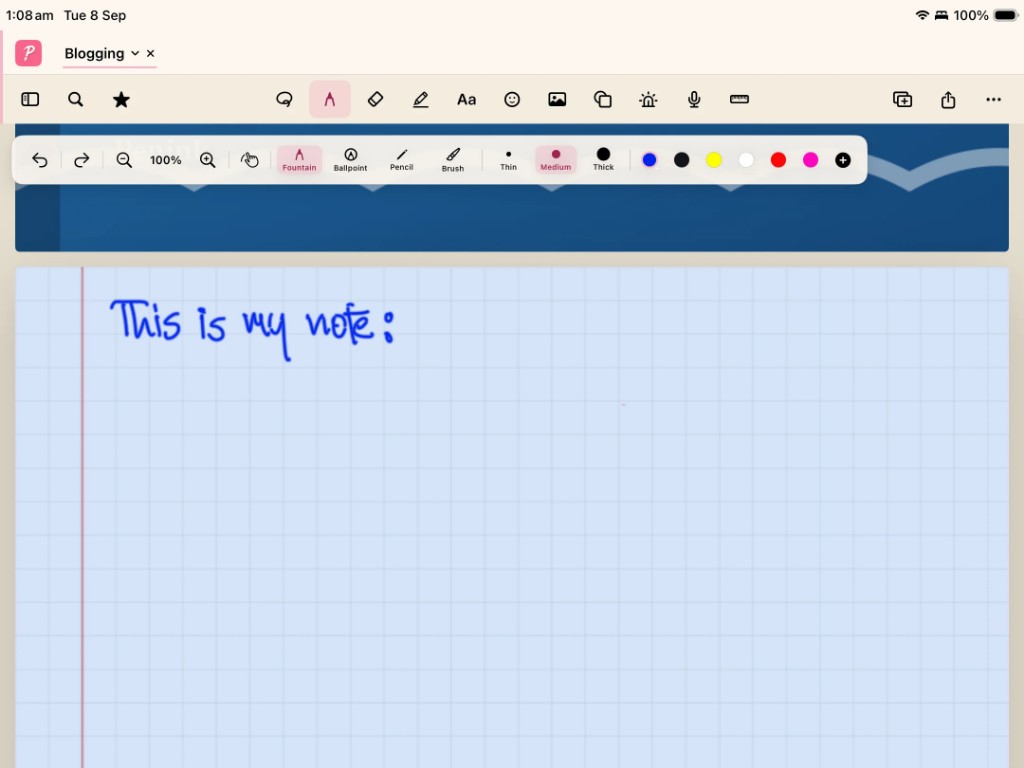
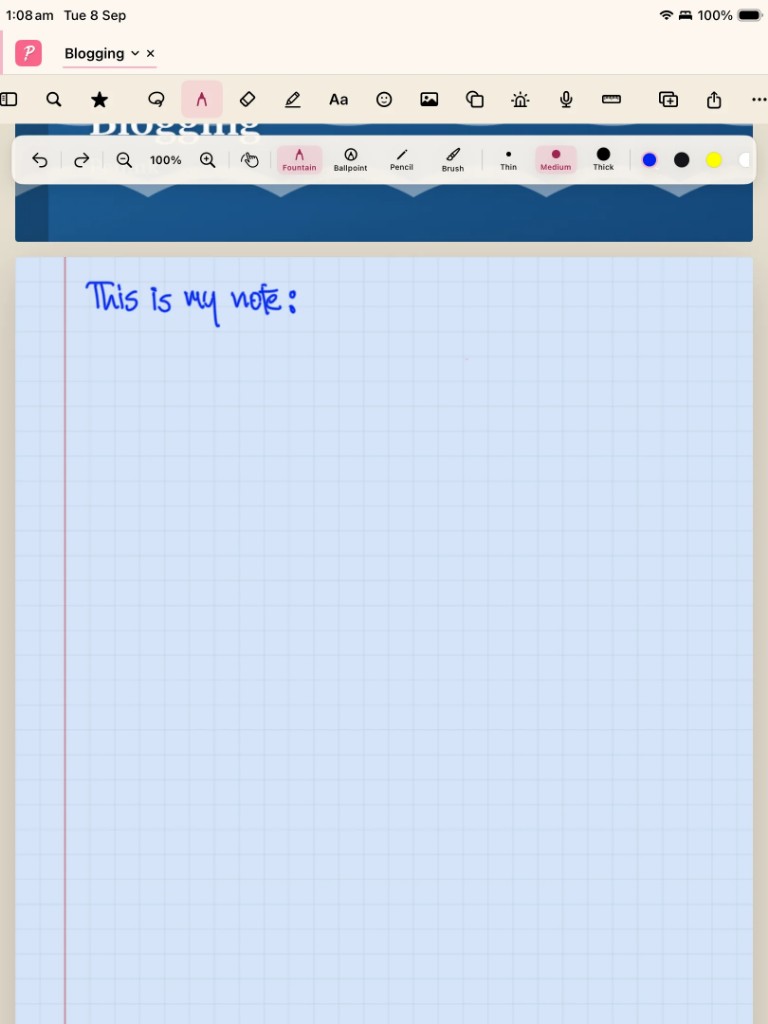
Open a notebook, pick a pen, and write. Penink includes fountain, ballpoint, pencil, and brush, with thin, medium, and thick strokes and a palette you can extend. The page can look like grid paper, with the familiar red margin of a physical notebook.
Apple Pencil and Android styluses
On iPad, Penink is built around Apple Pencil. On Android tablets, it is built around a compatible stylus and a screen large enough to think on. Landscape and portrait both matter: lectures often want landscape; a journal may want portrait.
Why this is not a phone feature
Handwriting on a small phone screen is a compromise. Penink stays on iPad and Android tablets so the canvas, toolbars, and split view have room. You can still type and insert images — but the centre of the app is the pen.