
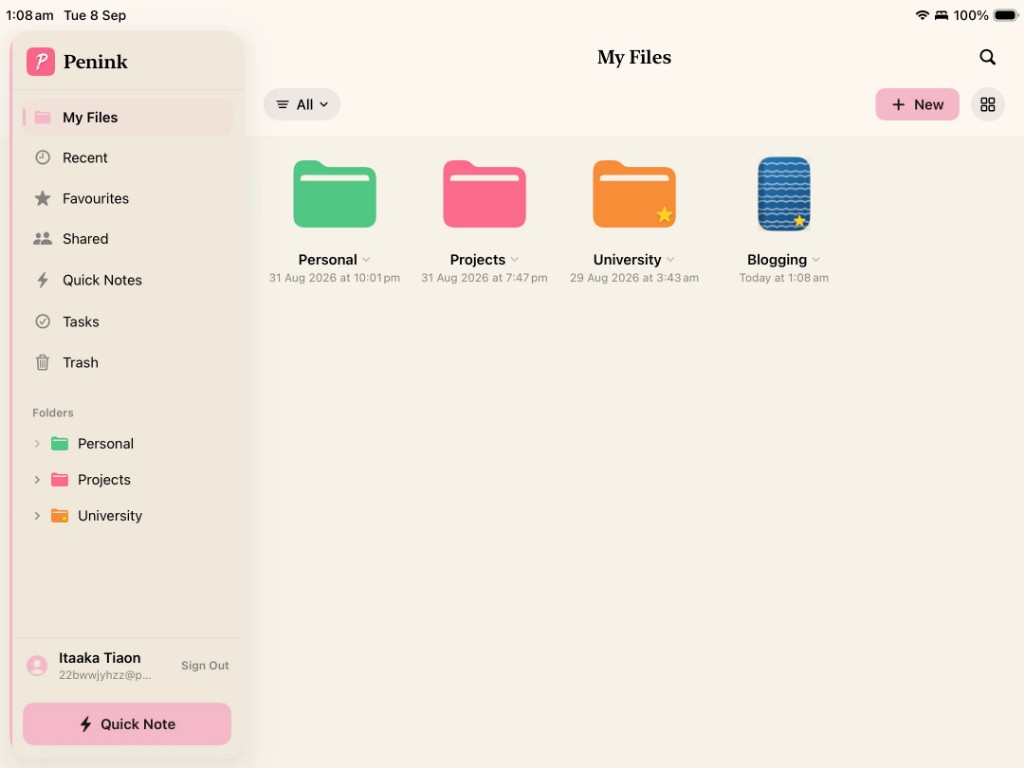
The main difference
Many note apps flatten everything into notebooks, tags, or a timeline. Penink lets you build a tree: University → 2026 → Semester 1 → Biology → Lecture 01, with Textbook.pdf sitting next to the lectures you wrote while reading it.
You can create folders inside other folders and organize notebooks, PDFs, notes, and other files however you want. Work, Personal, and Ideas can be real top-level places — the same way they would be on a computer.
My Files, the way you already think
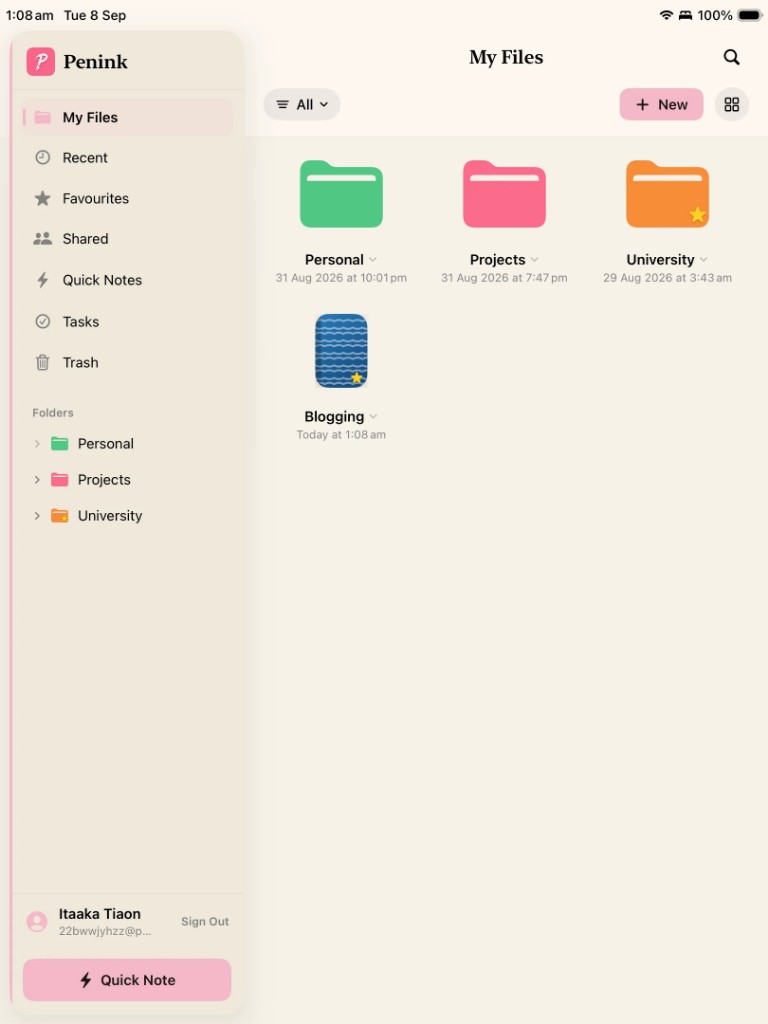
The My Files screen is a tablet explorer: coloured folders, notebooks, favourites, grid or list, and a folder tree in the sidebar. If you already know Finder or File Explorer, you already know how Penink wants you to file things.
Built for hundreds of notes
Students and professionals do not have twelve notes. They have years of them. Nested folders keep that volume usable. Search then finds a sentence; the folder tree tells you where that sentence lives.